PlayStation is retiring the cloud-streaming service in its Windows PlayStation Plus app. That does not, by itself, remove PC games already sold through Steam or Epic, and Sony says streaming on supported consoles and PlayStation Portal is unaffected. The first thing for PC players to check is whether they launch a subscription stream in the PS Plus app or a separately installed PC release from a storefront.
What is changing—and when
The U.S. PlayStation Blog says, “from December 10,” the app will be retired. The UK support notice says, “As of 11th Dec 2026.” Neither page explains the one-day difference, so use the notice for your region and any email from PlayStation rather than inferring a timezone conversion. Sony says fewer than 0.4% of eligible PlayStation Plus Premium members use the PC app; the change does not affect PS Plus membership or benefits on PS5 and PS4.
The app’s purpose is narrower than its name can suggest. PlayStation’s PC streaming guide describes signing into the PC app, connecting a compatible controller, choosing a membership plan if needed, and selecting a game to stream. The PC is receiving a stream; it is not downloading a Windows build of that console game.
Three PlayStation access routes, three different outcomes
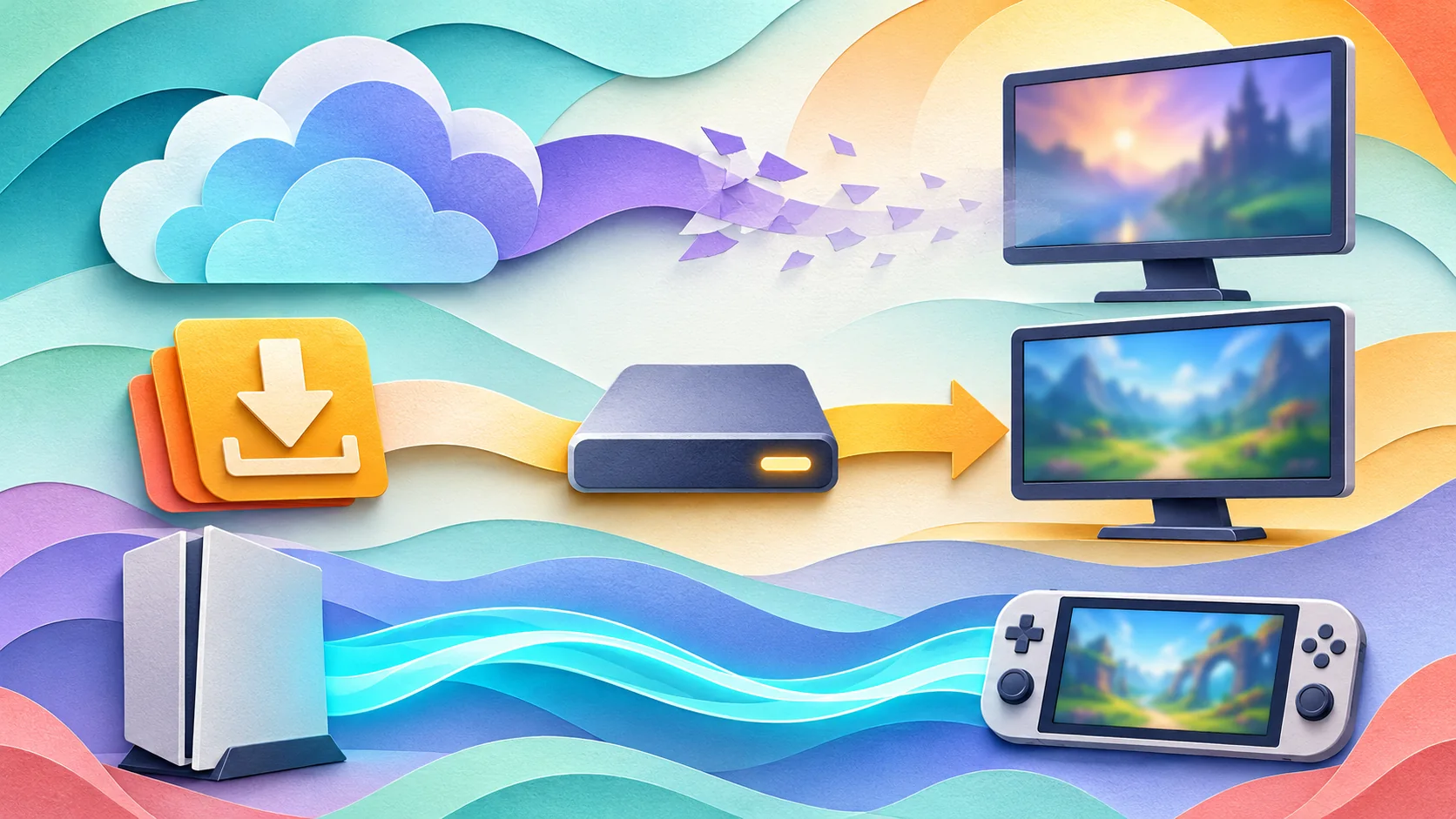
| Route | What it means for a PC player | What Sony’s notice says |
|---|---|---|
| PS Plus app on Windows | Stream supported catalog games through the PC app | The app and its PC cloud-streaming service are retiring in December; the regional pages list December 10 or 11 |
| Native PC game from Steam or Epic | Buy, download, and launch a separate PC release | The app notice does not announce removal of these purchases; PlayStation’s PC support still lists Steam and Epic as retailers |
| PS Plus streaming on console or Portal | Stream through a supported PlayStation device | The UK notice says PS5, PS4, and Portal streaming are unaffected; Portal cloud streaming is limited to select PS5 games and requires Premium |
Portal remains a streaming option, but it is not a one-for-one replacement for the Windows app: Sony’s Portal support guide lists only select PS5 games for Portal cloud streaming, which requires PS Plus Premium. The PC app was a separate Windows route for streaming PS Plus games.
Likewise, the notice does not say that a locally installed PC release will stop working. Sony’s PC support pages describe games bought and downloaded through Steam or Epic; that is a different product route. This says what the app-retirement notice covers, not what Sony may release later. Check each game’s store listing for current availability and support.
What PC players should check before December
1. Check where the game launches. A title started inside the PlayStation Plus PC app is being streamed. A Windows game installed from your Steam or Epic library is a separate PC release.
2. Check your regional notice. The UK page says customers will receive an email about the content changes. If you are unsure which date applies, use your region’s PlayStation notice and account email.
3. Check the game, not just the device. If you plan to switch to console or Portal streaming, confirm that the title is in that service’s supported selection for your region. Don’t assume the PC app’s stream automatically transfers to Portal.
The app closure does not settle PlayStation’s PC-port future
The app retirement is separate from reports about Sony’s future PC-port strategy. GameSpot attributed a possible pullback to Bloomberg reporting, while GamesRadar connected the app decision to that broader discussion; neither turns this service notice into confirmation that PlayStation PC releases are ending. Current Steam and Epic listings describe today’s purchase route, not a promise about future ports.
Start by identifying the route you use, then check its regional notice and supported-game list. That separates the PC app’s shutdown from local PC purchases and Portal’s narrower streaming option.