GOG’s new big-box files give five classic PC games something their digital storefront pages cannot: a version of the original packaging you can rotate on screen or build for your shelf. They are a thoughtful preservation extra, but they are not boxed game releases. For PC players, that distinction matters because box art, install files, and a game that still runs are three separate things.
What GOG’s big-box update includes
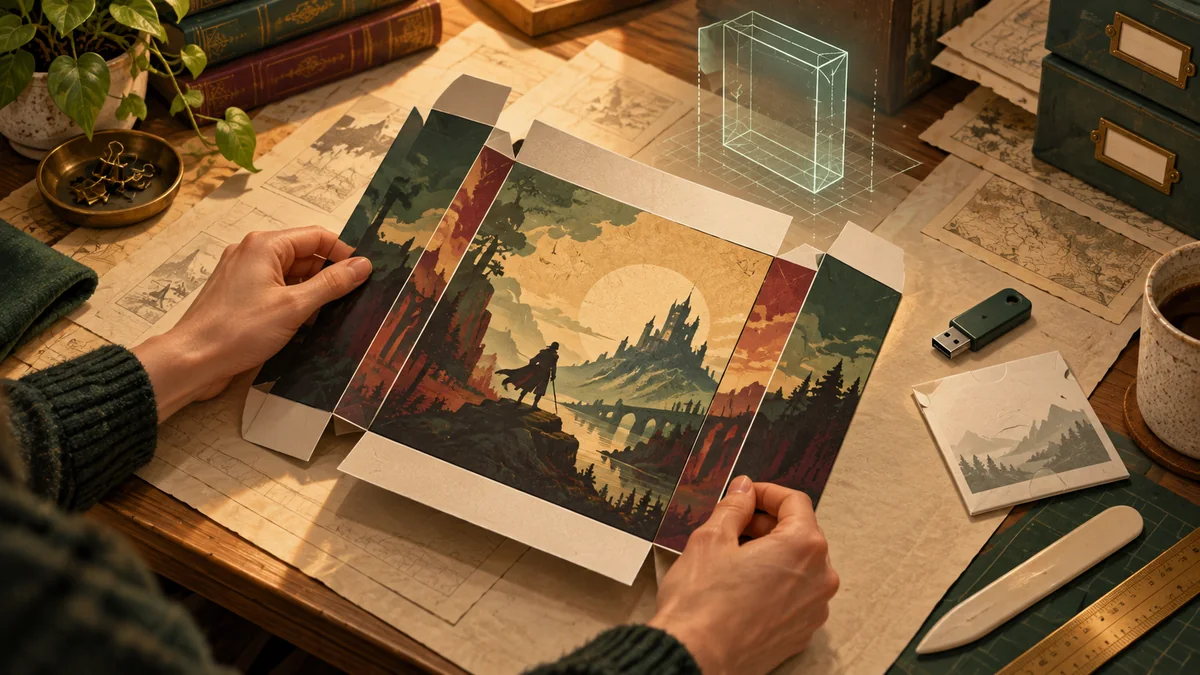
In its September 8, 2026 announcement, GOG added Star Trek: 25th Anniversary and Armikrog to the GOG Preservation Program, while Descent, Hitman: Codename 47, and Myst received the same packaging update. GOG says each of the five games has a downloadable 3D scan of its real box art, covering the front, back, and spine, plus a flat printable design that players can cut, fold, and glue at home.
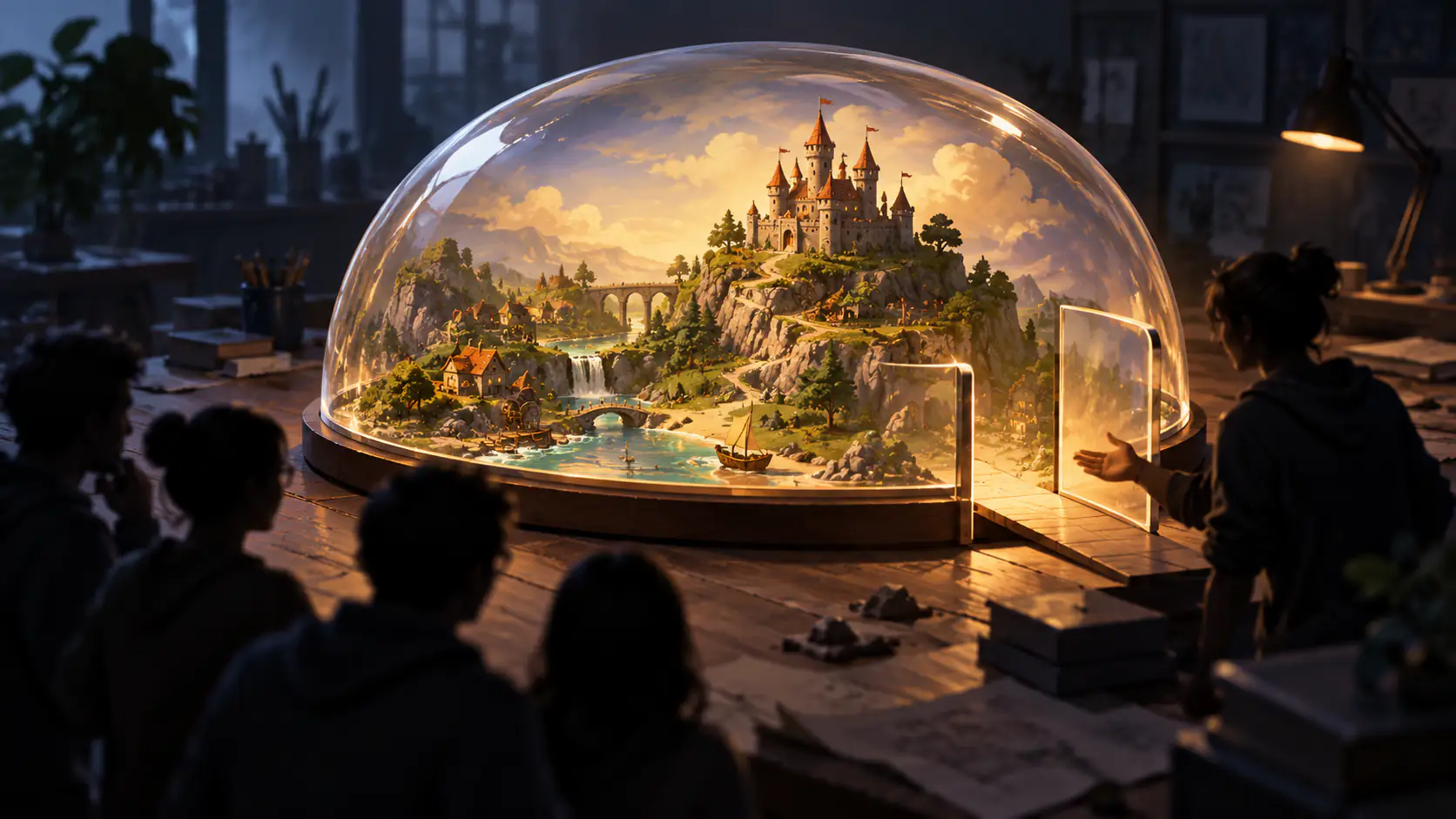
That is more than a store thumbnail. A 3D scan lets you inspect the old package as an object; the printable template turns its artwork into a small papercraft project. But neither file is a newly manufactured retail box, a disc, or a physical copy shipped by GOG. The game remains a digital purchase and download.
| Resource | What it adds or already provides | What it does not provide |
|---|---|---|
| 3D box scan — new | A digital 3D view of the original box art, including its front, back, and spine | A physical box, disc, or game files |
| Printable box template — new | A flat design players can print, cut, fold, and glue into a paper replica | A manufactured collector’s edition or game installer |
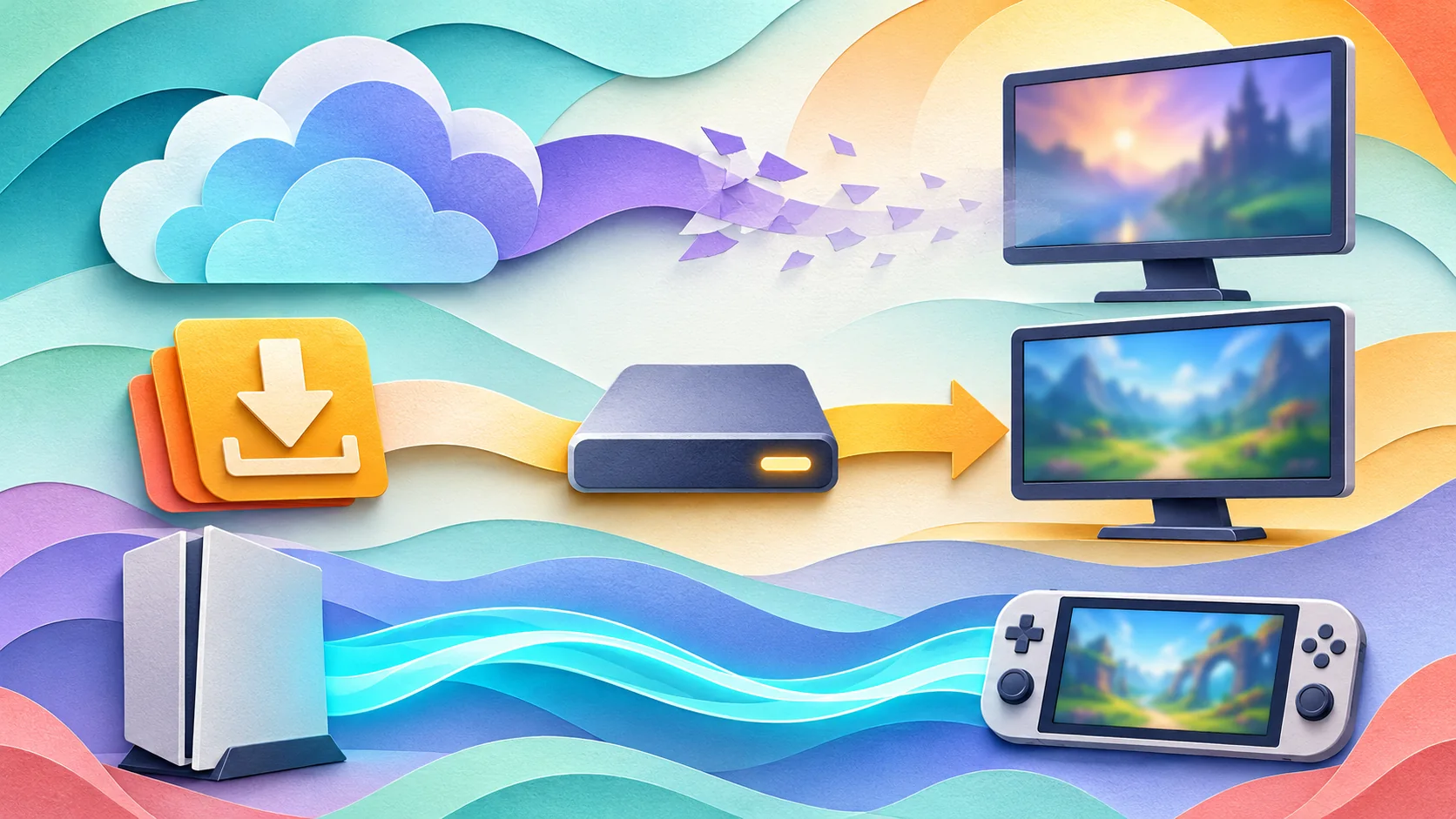
| Offline backup installers — separate existing download | The game’s standalone setup files, available separately to purchasers through GOG | A box scan, printable template, or guarantee that every online service will last |
After checkout and successful payment, open GOG’s My Account, select the game, and choose Download Offline Backup Game Installers. Download the setup files listed for that title. GOG also documents installing through GALAXY: select the game in your library and choose Install. See GOG’s Download instructions.
GOG’s accompanying announcement and interview cover five specific games; it does not promise a store-wide archive of printable boxes.
Packaging is only one layer of PC preservation
The box project makes the most sense when it is kept separate from the less visible work of preserving a game itself.
Packaging preserves an artifact. Scans and print files help retain the visual history of a PC release: its cover, spine, back panel, and the way it was presented to players. That has cultural and personal value, especially when original boxes are fragile or hard to find. It does not preserve the code needed to install or run the game.
Offline installers preserve access to files. GOG’s DRM-free installers are the game setup files. Keeping a copy gives you a local installation source, but it does not preserve cloud saves, multiplayer services, patches, or other components a game may depend on. GameSpot’s earlier coverage of GOG’s offline-installer message notes that always-online games can still become unplayable if their servers shut down.
Compatibility support is a maintenance commitment. GOG’s Preservation Program is its own effort to test selected games and update them for modern PC configurations. GOG says that changing Windows versions or graphics drivers can still affect compatibility, and asks players to report problems so it can investigate them. The program is currently Windows-only; GOG says it wants to preserve more games before expanding to other operating systems. That commitment is separate from the box scans, and it applies to titles carrying the program’s designation—not automatically to every game on the storefront.
The distinction is useful beyond this announcement. GoldCrit’s look at PC gaming’s long tail covers why older games can remain part of a living library; GOG’s update shows how the physical history around those games can also be kept visible. Neither packaging nor a saved installer, on its own, answers every question about future access.
A practical preservation checklist for players
If you own one of the five games, treat the box files as an optional collectible rather than as your backup plan:
- Check the game’s Preservation Program status. The program indicates that GOG has tested and is maintaining that selected title for modern PC compatibility. It is not a promise about every title in your library.
- Keep a backup copy. Store the complete installer set on storage you control; the box scan and printable artwork are separate files.
- Keep online dependencies in mind. A local installer can help preserve access to the files, but it cannot keep an online service running or replace a server-side account check.
- Use the box files for what they do well. Open the scan in a compatible 3D viewer or print the flat design if you want to explore and display the original packaging. It is a small, tangible way to connect a digital library with PC gaming’s physical past.
Physical GOG releases are still only an idea
The printable boxes may look like a step toward a return of retail PC games, but GOG has not announced that. In an October 31 GamesRadar interview, GOG senior business development and partnerships manager Marcin Paczynski described made-to-order physical editions as a hope rather than a current plan. He pointed to logistics, storage, and the need for publisher approvals as unresolved hurdles. GamesRadar also distinguished the current printable project from a professionally produced package containing a game.
For players, the practical distinction is simple: GOG has added digital packaging files, not a retail product containing a physical box or game media.