Quick answer
Neverness to Everness (NTE) currently documents four server environments: Asia, America, Europe, and SEA. Progress is independent between those servers, while cross-platform continuation depends on using the same eligible account or login method and selecting the same server. No official server-transfer route was found as of 30 August 2026, so do not assume that changing servers will bring your progress with you.
NTE server regions explained
Asia, America, Europe, and SEA
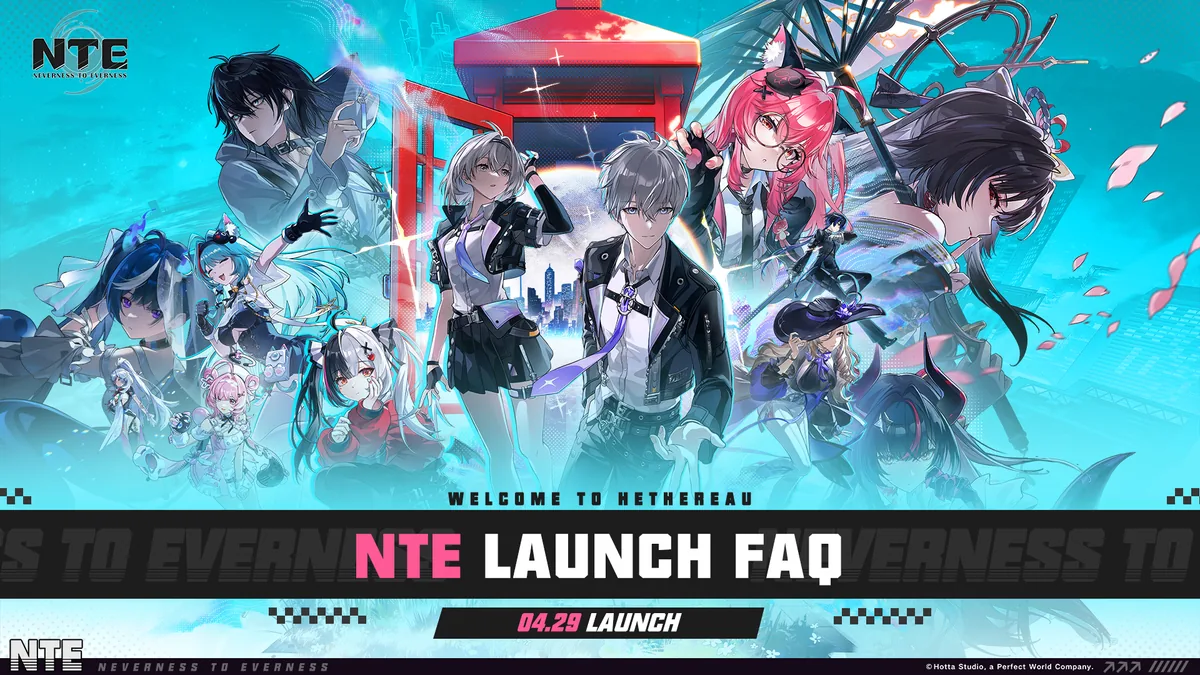
The official NTE launch FAQ lists four server environments: Asia, America, Europe, and SEA. These are the server choices a player must consider before committing progress. The official launch FAQ recommends choosing a server close to your region. GoldCrit does not interpret that as a guaranteed latency, ping, or population advantage.
The names above are the labels documented by NTE’s official launch material. They should not be expanded into assumptions about separate country servers, server population, matchmaking, or social compatibility.
What independent server progress means
Official NTE material says that each server is independent and that game data is not shared between Asia, America, Europe, and SEA. A character or account state created on one of these servers should therefore be treated as belonging to that server environment.
This is separate from changing devices. Moving from PC to mobile or PlayStation can continue supported progress when the same eligible account or login method is used and the correct server is selected; it does not make progress shared between server environments.
Which NTE server should you choose?
There is no universal “best” NTE server. Use this decision framework to protect the progress you intend to keep.
| Check first | What is confirmed | How it should affect your choice |
|---|---|---|
| Existing progress | Asia, America, Europe, and SEA keep independent game data. | If you already have progress, keep using its server unless a newer official notice documents another option. |
| Intended platforms | Official material documents same-account continuation across supported platforms within the same server. | Decide which devices you will use, retain the original login method, and select the matching server on the second device. |
| Friends | The refreshed official sources do not establish cross-server social or multiplayer compatibility. | Confirm where your friends play through an official or in-game source before making the choice. Do not assume that different servers can interact. |
| Country and storefront | Store access is market-specific and can change. | Check the official store or download page for your own country, platform, and account. Do not use another market’s listing as proof of local availability. |
| Location or latency | NTE’s launch FAQ recommends a server close to your region, but no independent latency or population data is established here. | Treat location as a consideration, not as proof that one server is universally faster or more active. |
If you already have progress
Start by identifying the server that holds the progress you want to continue. Because the four documented environments are independent, signing in with the same account on a different server does not establish that the original progress will appear there.
The official sources reviewed for this guide do not publish a server-transfer or migration procedure. No official server-transfer route was found as of 30 August 2026. That does not prove that a transfer service can never be introduced; it means there is no verified route to recommend here.
If friends affect your choice
Friends can be a practical factor, but the official sources in this research do not confirm that friends, matchmaking, co-op, or other social features work across all four server environments. Confirm the relevant server through an official or in-game source instead of treating cross-platform progression as proof of cross-server play.
If you plan to use more than one platform
Choose the server before you start the second platform. Then use the account or login method that holds the progress you intend to continue, and select that same server. Platform login options are not identical, and a different third-party login can create a separate account state rather than open the one you expected.
PWG Account and cross-platform progression
What cross-save means
In this guide, cross-platform progression or cross-save means continuing the same NTE progress on supported platforms by signing in with the same eligible account or login method and selecting the correct server. The official launch FAQ and later storefront FAQ describe this as progress continuation or synchronization across supported platforms within the same server.
Can I use the same NTE account on PC and mobile? Official material supports continuation across supported platforms when you use the existing eligible account or login method and choose the same server. The exact available sign-in providers differ by platform, so do not substitute a different third-party login and assume it is the same account.
What account linking means
Account linking is a separate concept from simply signing in with an existing account. It refers to connecting a platform or login identity to an account so that identity can be recognised as a sign-in path. [Uncertain / needs verification] The current public NTE sources reviewed here do not document a complete PSN-to-PWG linking sequence, first-login eligibility rule, or unlinking/relinking policy.
For that reason, this guide does not provide numbered PlayStation linking steps. If your account state is unclear, use the official in-game Support Center or the NTE support contact listed below rather than relying on a community workaround.
What cross-save does not confirm
Cross-save does not by itself confirm any of the following:
- that Asia progress is available on America, Europe, or SEA;
- that all platforms use identical login steps;
- that different platform players can interact in every mode;
- that friends, matchmaking, or co-op work across servers;
- that an account can be unlinked, relinked, merged, or recovered through a self-service flow;
- that an NTE server-transfer service exists.
Can I use the same progress on PC and PlayStation? The official material documents PS5 support and cross-platform progress continuation, but the refreshed public sources do not provide a complete PSN-to-PWG linking walkthrough or first-login rule. The safe claim is limited to same-account, same-server continuation under the current documented platform rules.
Does NTE cross-save mean cross-platform multiplayer? No. The official sources reviewed for this guide document progress continuation and synchronization, not universal cross-platform play across every device, mode, or server. [Uncertain / needs verification] Do not promise cross-platform multiplayer, cross-server matchmaking, or cross-server social compatibility.
PC, mobile, Mac, and PlayStation availability
The launch materials name Windows PC, iOS, Android, Mac, Google Play PC, PS5, and PS5 Pro. A later official FAQ also documents Steam, Epic Games Store, and Samsung Galaxy Store versions. Availability remains dependent on the player’s country and storefront, so check the relevant official listing immediately before installing.
| Platform or storefront | Documented login methods in the official material |
|---|---|
| iOS and Mac | Facebook, Google, Apple, or email |
| Windows PC | Facebook, Google, or email |
| PS5 and PS5 Pro | PSN or email |
| Steam | Email, Facebook, or Google |
| Epic Games Store | Email, Facebook, or Google |
| Samsung Galaxy Store | Email, Facebook, or Google; a new player can register or sign in with a Perfect World Games account |
| Android / Google Play and Google Play PC | PWG Account login is supported across the launch platform set, but the refreshed public FAQ does not provide one separate provider list for every Google Play surface. [Uncertain / needs verification] |
These are documented login options, not a universal linking procedure. NTE also warns that accounts registered and signed in through different third-party providers remain separate and do not share data. Keep track of the provider and account that contains your progress.
The official store checks used for this brief show a live United States Apple App Store listing, a live Google Play listing, and a live Canadian PlayStation Store listing on 30 August 2026. Those checks verify only the displayed markets; they do not prove availability in every country.
Can NTE progress move between servers?
Can I transfer NTE progress between servers? Official NTE material says progress is independent between Asia, America, Europe, and SEA. No official server-transfer route was found as of 30 August 2026. That does not prove a transfer service can never be introduced; it means this guide has no current official migration procedure to recommend. Recheck the official NTE support and news pages before relying on an older answer.
Common mistakes to avoid
- Treating cross-platform progress as cross-server progress. Same-account continuation is qualified by the same server.
- Starting on a different server because you expect progress to move later. No official transfer route was found in the current research check.
- Assuming PC, mobile, Mac, Steam, Epic, Samsung, and PlayStation all use the same login steps. The documented provider options differ.
- Choosing a different third-party provider and expecting it to open the original account. Official NTE material says those account states remain separate.
- Treating a PS5 listing as proof that a complete PSN-to-PWG linking walkthrough or first-login rule is publicly documented. It is not documented in the sources used here.
- Assuming a platform listed in a launch notice is available in every country. Storefront access is regional.
- Treating cross-save as proof of universal cross-platform multiplayer, cross-server friends, matchmaking, or co-op.
- Choosing a server from unsupported claims about population, ping, spending, or activity.
What to check before you start
Decision checklist
Check these six points before you start
- Server environmentWhich of Asia, America, Europe, or SEA will hold the progress you intend to keep?
- Existing progressDo you already have progress on one of those server environments?
- Login methodWhich account or provider contains that progress, and can you use the same method on the next platform?
- Platform and storefrontIs NTE currently listed in your own country’s official store for the device you plan to use?
- PlayStation uncertaintyIf you use PS5, have you checked the current official support route instead of assuming a PSN linking or first-login rule?
- Friends and serversHave you confirmed your friends’ server through an official or in-game source rather than assuming cross-server compatibility?
If you need help with an account-security issue or another account problem, the official NTE FAQ directs players to Settings → Support Center in game or to nte.contactus@perfectworld.com. Include your UID, a description of the issue, and relevant screenshots. The public sources do not document a separate self-service recovery process.