Quick answer
The current Missions surface is the safest orientation point for a new STFC account: identify the main objective shown by your live client. Official STFC support points new players to Missions for progression, while the client determines the actual next task and requirement. Your station, ships, officers, map views, and alliances are connected systems; no reviewed official source establishes one permanent build order or Operations-rush path for every new account.
What a new STFC player should understand first
Star Trek Fleet Command is a persistent strategy game rather than a fixed campaign with one universal opening route. Official support describes a connected set of systems: station buildings, ships, officers, Missions, map navigation, events, daily goals, and alliance activity.
The Star Trek Fleet Command guides hub provides the current cluster index for these systems and their focused follow-ups.
The useful first step is to understand what the current client is asking for before treating an old guide, ranking, or event task as a rule. A requirement visible on your account is more useful than an assumed order written for a different Operations range, interface version, or available roster.
If your immediate question is about keeping access to an account, recovering progress, using the Web Store, or an official reward mechanism, use our Star Trek Fleet Command Scopely Account and Official Rewards guide. Those account and reward questions are separate from deciding what to do inside your first sessions.
Use the live Mission list as your current orientation point
Official STFC support recommends focusing on Missions to progress. Main Missions are a distinct category and can unlock new paths, while the game also presents separate Daily Goals. That distinction is useful, but it does not turn either surface into a mandatory sequence for every account.
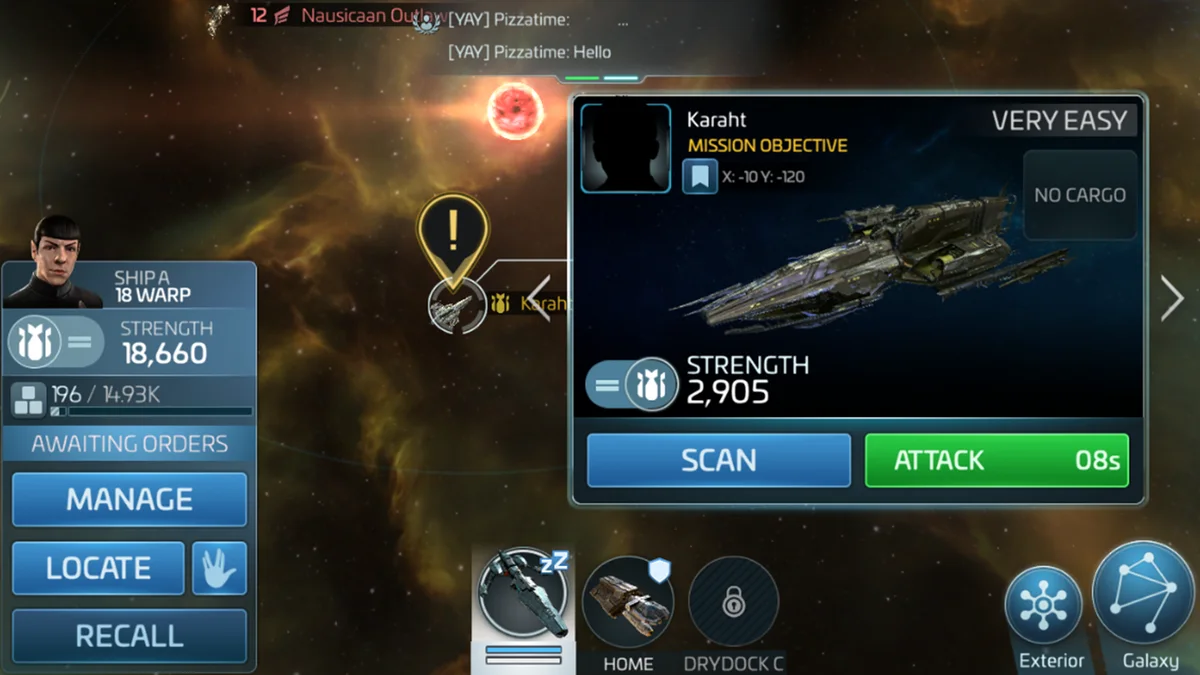
Open the current Mission list, identify the objective it presents, and read its live requirements. Early Missions can help explain what the game expects next. The exact order, available content, and requirements still come from the client you are playing.
Main Missions and Daily Goals are different surfaces
Main Missions are story-driven progression tasks and are marked as their own category in the Missions area. Daily Goals are a separate documented objective surface. They should not be treated as proof that every player must follow the same checklist or complete every available task before learning another system.
How your station, ships, and officers connect
Station and Operations: read current requirements, do not follow a rush rule
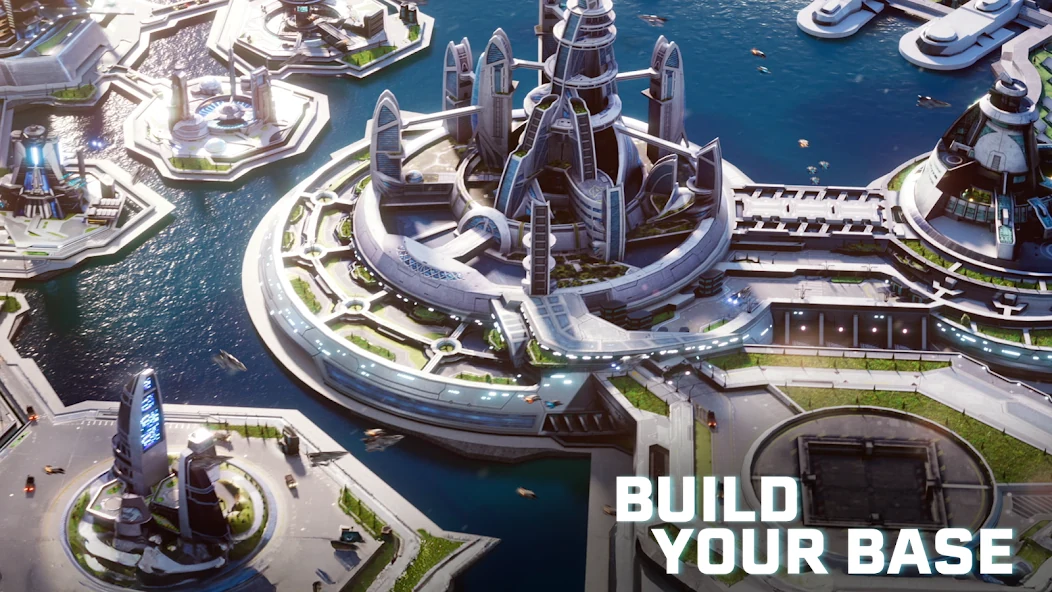
Your station contains interior and exterior buildings with different roles. Official support describes Operations as the station command center: its upgrades raise player level, unlock buildings, and affect documented station progression. Research, buildings, ships, and other systems can also have prerequisites.
That does not establish “upgrade Operations first” as a universal beginner rule. Read the current building requirements and unlock information before making the next station upgrade decision. This helps you understand the decision in front of you without turning it into a station build order, spending plan, or Operations target.
Ships, drydocks, and the map
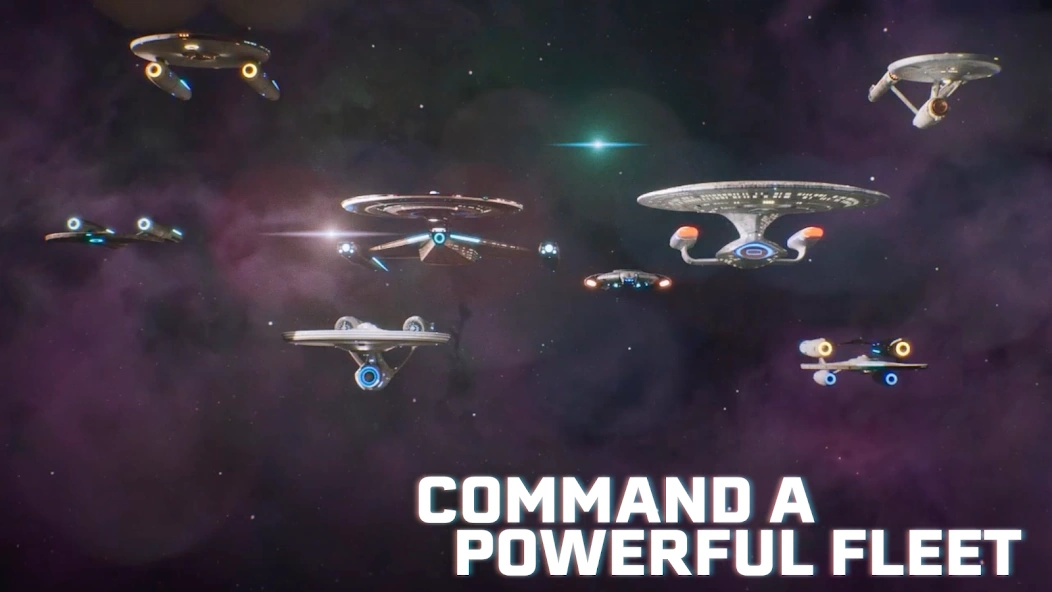
Ships are the documented way to explore the Galaxy and take part in combat. Their roles differ: the official Ships Guide distinguishes combat-oriented ship types from survey ships, and construction can depend on blueprints, research, Shipyard level, and other live prerequisites.
Dry docks are part of ship management: a ship needs an assigned drydock, and each drydock holds one ship. That is a system relationship to recognise, not a recommendation for which ship to build, use for mining, or upgrade first. For a deeper explanation of how station buildings, research, construction, drydocks, and map views connect, see our Star Trek Fleet Command Starbase and Fleet Fundamentals guide.
STFC also separates several map views:
- Station Interior is where you inspect core buildings and their details.
- Station Exterior shows fleet and defensive parts of the station.
- System view is where a selected ship interacts within its current system.
- Galaxy view shows how systems connect and whether a ship has the range to reach them.
Use the view that matches the current objective instead of assuming an exploration route or a mandatory warp destination.
Officers: assignment before strategy
Official support says a ship requires at least one officer to be used. Officers are assigned through ship management; bridge positions activate their abilities, and the captain position has its own documented Captain’s Maneuver role.
For a beginner, the safe takeaway is to read the assignment and ability information for officers actually available on the account when the client presents that choice. It is not evidence that one named officer, crew, captain position, or investment path is best for every activity. A defined Swarm PvE crew question can use our early PvE crew strategy once the target, ship, and roster match the official scope.
Alliances are a later decision surface, not a universal first step
Official STFC support documents alliance help, contributions, and group activities. For source-qualified participation boundaries without an alliance-ranking or progression strategy, see our Star Trek Fleet Command alliances guide. Some alliance systems and rewards are event-specific, so their conditions should be checked in the live client.
This makes alliances a system worth recognising, not a universal instruction to join immediately. The sources reviewed do not establish one correct time for every new player to join an alliance, nor do they guarantee an event reward. Read the live event conditions and decide when the social side of the game is relevant to your account.
When account and reward setup is the next question
Early progression and account access are different decisions. A Mission or building requirement can help orient gameplay; it does not answer how to protect access, recover a profile, use the Web Store, or verify an official reward.
When that second kind of question becomes relevant, use the linked Scopely Account and Official Rewards guide above. Do not rely on an old account procedure or assume that a historical promotion, reward, or code is current.
Early mistakes to avoid
These are GoldCrit editorial decision safeguards, not publisher-issued warnings:
- Ignoring the current Mission list. Use the live objective and requirement instead of assuming an old route is still the next step.
- Upgrading a building without reading its current details. A building’s role and prerequisite do not create a universal upgrade order.
- Treating every ship or officer as interchangeable. Official documentation establishes different roles and assignment surfaces, not one universal answer.
- Assuming an alliance-event rule is permanent. Eligibility and rewards can depend on the individual event and its live conditions.
- Copying an old account or reward procedure. Account access and official rewards need current, separate verification.
A first-session checklist
First-session checks
Use these checks, not a mandatory route
- Open the current Missions surfaceIdentify the main objective and read the requirement your live client currently shows.
- Inspect the station decision in front of youRead what the current building requires and unlocks before making an upgrade decision.
- Use the matching map viewDistinguish station, system, and Galaxy views before assuming where an objective or ship action belongs.
- Treat ships as role-based toolsCheck live construction and assignment requirements instead of following a universal first-ship or mining priority.
- Read officer assignment information when it appearsA ship needs an officer, but the first assignment screen is not a best-crew recommendation.
- Recognise alliance functions before planning around themHelp, contributions, and events are documented systems; no universal joining time is established here.
- Separate gameplay from account and reward questionsUse current official account guidance when access, recovery, Web Store, or reward verification becomes the real question.
These checks are deliberately unordered. They can appear in different sequences on different accounts, and they do not replace the live client’s current objectives, requirements, and interface guidance.
Where to go next in Star Trek Fleet Command
Return to the Mission or requirement currently shown by your client once you understand the system involved. Deeper guidance on starbase and fleet fundamentals, alliance participation, and a versioned PvE crew decision should be added only after those pages are live and have passed their own current research checks.
If you are still deciding between a Star Trek starbase-and-fleet loop and a historical city-and-map loop, use our Rise of Kingdoms vs Star Trek Fleet Command comparison. It helps with player fit rather than naming one game as the better choice for everyone.